
Find the context.
Bring the customer, pre-alert and receiving details together before the parcel moves.
BUILT FOR SMALL PARCEL FORWARDERS
From the first pre-alert to the next warehouse handoff. Keep packages, people and decisions connected—so the next step is clear.
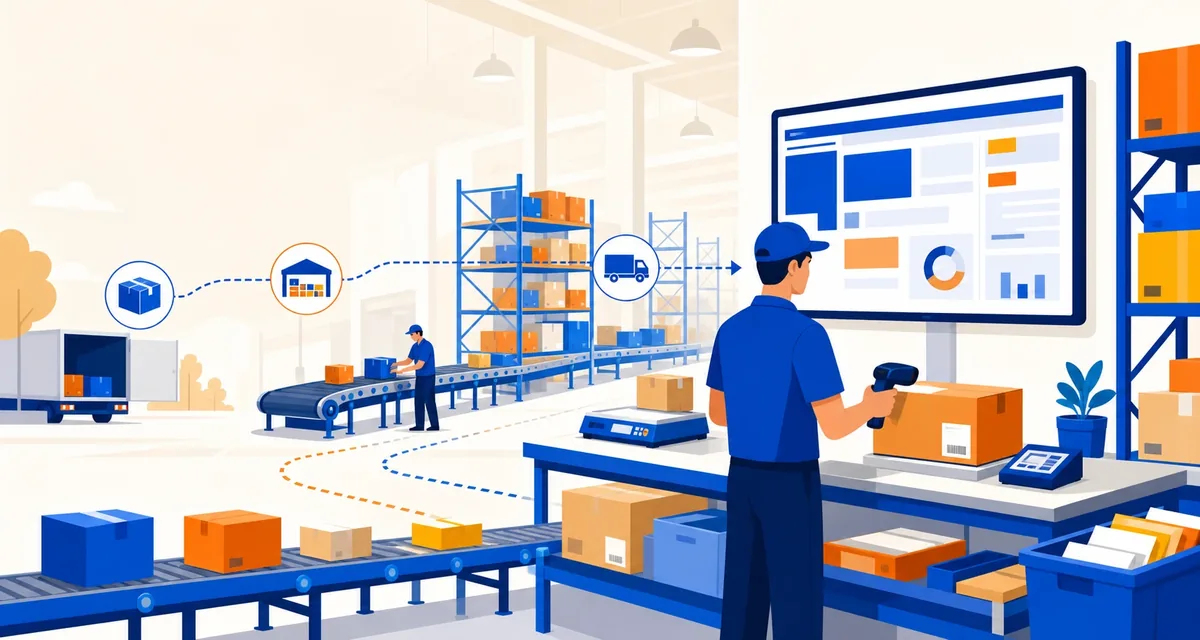
THE SPACE BETWEEN SYSTEMS
Whose parcel is this? What is missing? Who needs to act? The real work often lives between a spreadsheet, a message and a warehouse shelf.
Bring the customer, pre-alert and receiving details together before the parcel moves.
Make missing values, documents and operational holds visible on the same record.
Give the next person a decision, a responsible owner and the information to act.
FROM ARRIVAL TO HANDOFF
Follow a package through the work that surrounds it. Each stage adds context for the person who takes over next.

Link the package to the customer and the expected arrival.
Keep missing details and operator decisions visible.
Maintain context through storage and shipment selection.
Connect the shipment, invoice and next operational event.
A TWO-MINUTE WALKTHROUGH
A parcel arrives with a missing item value. Follow the review, the decision and the next handoff. Fictional data; nothing is sent.
PACKAGE / FICTIONAL EXAMPLE
A warehouse scan connects the parcel to a customer pre-alert. The declared item value is still missing.
Receiving event recorded. Package awaits information review.
A browser illustration of the intended operating sequence, not a live warehouse session or a screenshot of the application.
THE SAME STORY, FOR EVERYONE
The warehouse, the customer and the operator need different details. They should not need different versions of the truth.
Illustrative views with fictional data.
Explore the responsibilities, not a live application.
WAREHOUSE TEAM
Receiving, storage and physical movement.
CUSTOMER
Pre-alerts, timelines and the information they need.
OPERATIONS
Tasks, exceptions and the history behind a decision.
 DESIGNED AROUND THE HANDOFF
THE APPROACH
Useful software starts with the decisions people actually make. AltaPost connects the record, makes the exception visible and keeps the review accountable.
Start with the facts around the package. A missing value should become a visible task, not an assumption.
Keep the reason, the responsible role and the reviewed outcome with the operational record.
IS THIS YOUR OPERATION?
For small parcel-forwarding operators evaluating a more connected way to handle their day-to-day workflows.
A USEFUL FIRST CONVERSATION
AltaPost Core includes operator workflows, a customer cabinet and APIs. Deployment, provider integrations and operational readiness are evaluated for each implementation.
A FEW PRACTICAL QUESTIONS
A little clarity about the product, the example and what comes next.
AltaPost is software for parcel-forwarding operations. These websites do not accept parcels, issue shipping quotes or offer a warehouse address.
Yes. The walkthrough on this page uses fictional data and runs in your browser. You can explore each step without signing in or submitting personal information.
No. It illustrates the review sequence. The package, customer and item value are examples, and no customer update is actually sent.
Start with one real operational scenario: the handoff, the people responsible, the missing information and the outcome you need. The contact page helps you prepare a local brief before a conversation.
The AltaPost Lab explains the domain states, architecture and API conventions. It separates source implementation from demonstrations and deployment-specific decisions.
START WITH THE WORK
Bring one handoff, the people involved and the information that keeps going missing. Start there.
Local brief · No account required